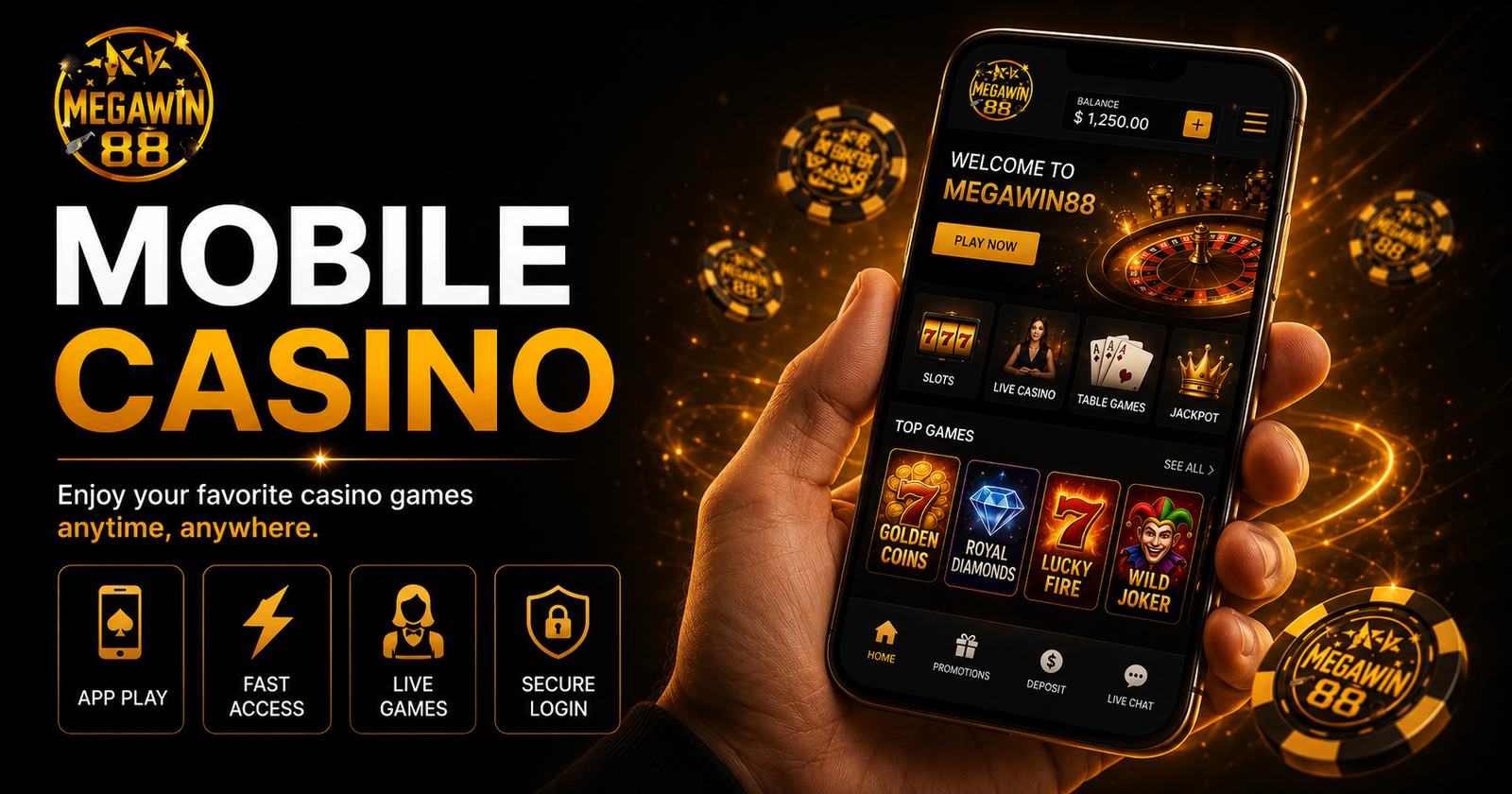
Almost everyone in Malaysia plays on their phone, and each of our featured brands runs as its own mobile app rather than in a browser. This guide walks you through installing 918kiss, Mega888, Pussy888 and Megawin88 on Android and iOS, plus how to fix the most common install hiccups safely.
Before you start
- Always get the download link from the official brand page on MW88, not from a random forwarded link or a stranger in a chat group.
- Have your login ready, or register first, so you can jump straight in after install.
- Make sure you have a stable connection and a little free storage.
Installing on Android (APK)
Android casino apps install via an APK file, because they’re not on the Play Store. The steps are the same for all four brands:
- Open the official app page (e.g. the 918kiss or Mega888 page on MW88) and tap the Android download.
- When the APK finishes downloading, tap it to install.
- If Android blocks it, enable installs from this source (see troubleshooting below).
- Open the app, log in or register, and you’re ready.
Fixing “Unknown Sources” / “Install blocked”
Because the app isn’t from the Play Store, Android may block it the first time:
- Older Android: go to Settings → Security → Unknown Sources and turn it on.
- Newer Android: when prompted, tap Settings next to the blocked-install message, then allow “Install unknown apps” for your browser (e.g. Chrome). You can switch this back off after installing.
This is normal for APK apps and doesn’t mean the file is unsafe — as long as you downloaded it from the official brand page.
Installing on iOS (iPhone / iPad)
iOS handles these apps differently. Follow the prompts on the brand’s iOS download:
- Tap the iOS download on the official brand page.
- Follow the on-screen install steps (iOS may ask you to trust a profile under Settings → General → VPN & Device Management).
- Once trusted, open the app and log in.
If an iOS build isn’t available for a brand at the moment, use the mobile web version linked on that brand’s page.
APK safety checklist
- Only ever download from the official brand pages on MW88.
- Don’t grant strange permissions the game doesn’t need.
- Keep the app updated — brands push updates for new games and security fixes.
- Delete and reinstall from the official source if an app ever behaves oddly.
App overview
| App | Platform | Approx size | Notes |
|---|---|---|---|
| 918kiss | Android (APK) + iOS | ~90–150 MB | Classic slots + arcade; very popular in MY |
| Mega888 | Android (APK) + iOS | ~90–150 MB | Wide slot library, frequent updates |
| Pussy888 | Android (APK) + iOS | ~90–150 MB | Slots + table games |
| Megawin88 | Android (APK) + iOS | ~90–150 MB | Our house brand; full game range |
Once you’re installed, browse the slot titles on each brand and check the casino bonus page so you start with any free kredit you’re entitled to. New to all this? Our online casino guide explains the basics, and remember to play within your limits — see responsible gambling.
FAQ
Why isn’t the app on Google Play or the App Store?
Real-money casino apps generally aren’t allowed on the official Malaysian storefronts, so brands like 918kiss and Mega888 distribute Android builds as APKs and provide iOS builds directly. Download only from the official brand page.
Is installing an APK safe?
Yes, provided you download it from the official brand page on MW88 and not a forwarded or third-party link. The “Unknown Sources” warning is Android’s standard prompt for any non-Play-Store app.
The app won’t install — what do I do?
On Android, allow “Install unknown apps” for your browser, then re-open the APK. On iOS, trust the developer profile under Settings → General → VPN & Device Management. Re-download from the official page if the file seems incomplete.
Can I use one login across brands?
Each brand app (918kiss, Mega888, Pussy888, Megawin88) has its own account. Register on each one you want to play, and keep your credentials safe.
Do I need to update the app?
Yes. Updates add new games and important security fixes. If a game won’t load or crashes, reinstalling the latest version from the official brand page usually fixes it.